

ONPOW Push Buttons for Manufacturing Expo
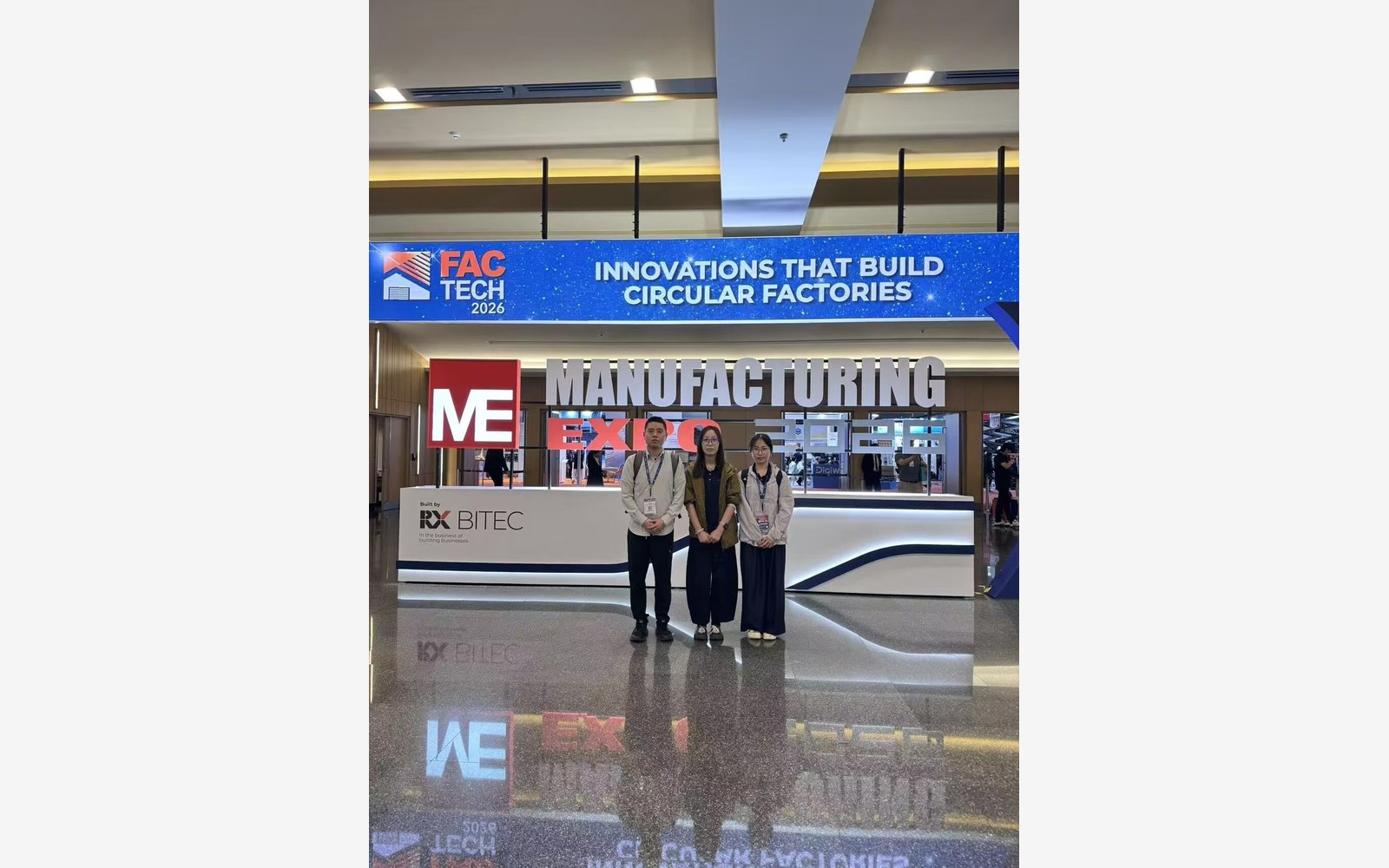
Manufacturing Expo venue.
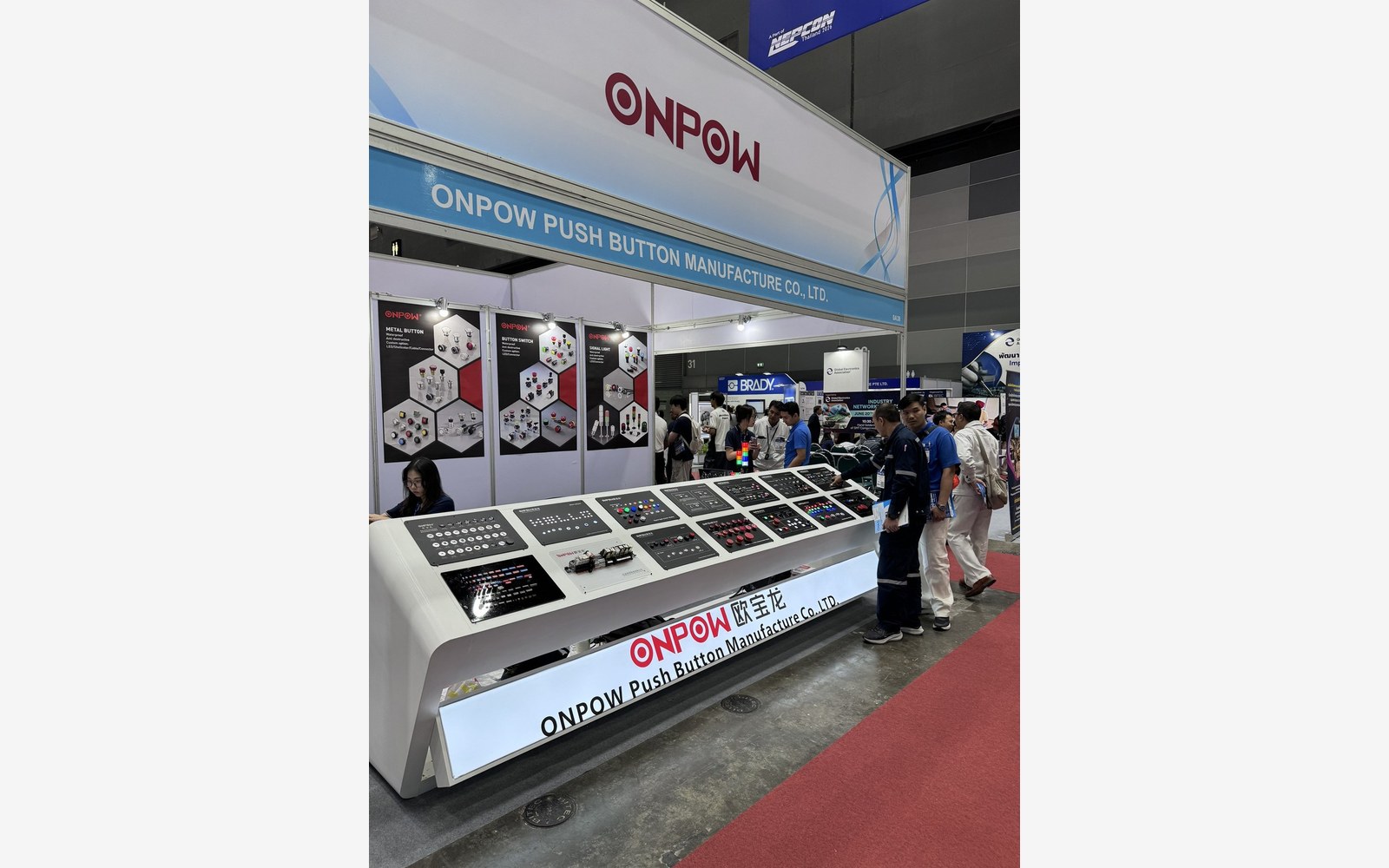
ONPOW product display.
ONPOW explains how a Manufacturing Expo display becomes a panel inquiry, from button tasks and mounting to a model-specific follow-up.
YUEQING, ZHEJIANG, CHINA, October 19, 2026 /EINPresswire.com/ -- An exhibition display can introduce a useful product family without answering every question a machine builder needs to settle. The next step is to connect the visible controls to the panel's actual tasks. ONPOW's catalog, ONPOW63 wiring announcement and OEM and ODM information provide routes into that more specific discussion.The images here show Manufacturing Expo and BITEC venue signage and, separately, an ONPOW product display. They are not assigned to a confirmed common edition or used to establish a complete attendance record. For a buyer researching manufacturing components, they illustrate the starting point of an exhibition inquiry. The useful follow-up identifies the operating action, indication and installation requirements before a displayed item becomes a candidate for an equipment order.
What a Display Can Tell a Buyer
A venue introduction and a supplier display answer different questions. The Manufacturing Expo and BITEC image shows the exhibition setting, while the ONPOW image shows product presentation. For a component inquiry, the useful next step is to identify the family that interests the buyer and explain the equipment task it should support. The images do not need to be assigned to a shared edition for that research to begin.
A visitor may see button heads, indicators and accessories together, while the machine needs one particular combination of functions. Use the display to identify directions worth investigating, then narrow them through the catalog and product information. The reply should concern a defined panel position or assembly rather than an unspecified group of items remembered from the stand.
Manufacturing Expo and BITEC signage in the exhibition venue photograph.
Assigning a Task to Each Panel Component
ONPOW's catalog gives customers a way to separate operating controls from indication products and associated components. A panel may need several actions and several visible signals. Listing those tasks helps the buyer select a category for each position rather than asking for a group of items because they appeared together in a display.
The inquiry can identify which positions require momentary commands, which require a selected state and which communicate information. Illumination, marking and connection requirements should be included where relevant. These details help the supplier respond with a configuration that engineering can compare with the intended circuit and panel.
Once a family is identified, request the proposed model's action, dimensions, electrical information and accessory requirements. Those details allow the team to compare the component with the equipment drawing. The visible design can remain a useful preference, but the purchasing description should establish the complete version the machine needs.
Following Up on Mounting and Wiring
ONPOW's ONPOW63 wiring announcement offers a defined installation topic for the follow-up. It describes a plug connection approach associated with ONPOW63Q. That information can help customers ask how a proposed component will be connected and maintained, without assuming a universal time saving or a particular demonstration at Manufacturing Expo.
To continue the installation discussion, send ONPOW the panel drawing, rear-space constraints and wiring requirements. The proposal can then be checked with a sample in the intended assembly. Review it after nearby components are fitted as well as on an open panel, so that the decision reflects the access available in the finished equipment.
If a standard product does not fully match the requirement, the OEM and ODM route provides a place to discuss a defined change. The request should state the function to preserve and the variation needed. This connects the exhibition style introduction with an organized technical discussion about the component and the equipment that contains it.
A visitor's display notes can be organized into a practical inquiry by separating what was observed from what needs confirmation. Record the visible family or appearance, then list the required action, installation and document questions beside it. Where the model is unclear, ask ONPOW to identify the candidate before requesting a quotation. This avoids carrying an uncertain photograph reference through the purchasing process. The final proposal can then be reviewed against the equipment drawing, with the accepted model replacing the original informal display description.
ONPOW product display with its relationship to the venue photograph unconfirmed.
From the Display to the Machine Panel
ONPOW's company profile describes a business established on October 4, 1988, with approximately 40 button series and more than 1,500 production molds. That breadth can make an exhibition display a useful introduction, but a machine panel rarely needs every category shown. The buyer's task is to identify which families deserve a closer look for a particular operating requirement.
Begin with a list of the operator's actions and the information the machine must show. A momentary command, a maintained selection and a status lamp have different roles. Assign a role to each panel position before asking for a group of products that appeared together. This lets ONPOW respond to the equipment rather than reproduce an unspecified display arrangement.
A photograph is useful for identification when the family is known. If it is not, ask the supplier to identify the candidate first. The front shape does not establish contacts, dimensions or connection details. Carrying an uncertain image reference into a quotation can leave the customer and supplier discussing different versions.
Once a candidate is named, use its drawing and product information to review the installation. Show the panel surface, nearby parts and wiring space. A display board is more accessible than many finished enclosures, so fitting and removal should be assessed in the actual arrangement. Installation updates such as the ONPOW63Q plug connection announcement provide a focused subject for that follow-up.
The final description should replace the original informal display note. Record the accepted action, options and connection so that purchasing can order the version engineering reviewed. The exhibition remains the introduction; the proposal and sample provide the component decision for the machine.
A buyer's exhibition notes may identify a preferred button shape but leave the model uncertain. Begin the follow-up by asking ONPOW to identify the family, then provide the required operation and installation. A quote should use that confirmed product description rather than the original photograph reference. If the sample differs from what was expected, compare it with the brief and drawing to resolve the question. This turns a visual introduction into a component choice that colleagues can understand without having attended the event.
Turning Display Notes Into a Useful Brief
Separate what was observed from what still needs confirmation. A note about a head shape or illumination can help identify a family, while the required operation and circuit belong in the application brief. Explain both when contacting ONPOW, rather than assume that the visible product carries every feature the project needs.
For an installation question, include a panel drawing and the relevant rear constraints. The ONPOW63 announcement describes a plug connection approach for ONPOW63Q, but it does not establish a universal assembly saving or a demonstration at Manufacturing Expo. Ask how the actual offered version would fit the equipment and what connection parts it requires.
If a standard choice leaves a gap, describe the requested change through the OEM and ODM route. State the function to preserve, the appearance or connection to adapt and the reference against which the result will be reviewed. Confirm the available options and commercial response before treating the idea as an orderable custom component.
A sample can then be checked on the intended panel. Compare the front design with the brief and the rear arrangement with the assembly constraints. Resolve any difference and transfer the accepted version into the drawing and order description. This makes the follow-up usable by colleagues who did not visit the exhibition or see the original display.
Product Information Beyond the Display
ONPOW's catalog and installation announcements give buyers a way to continue beyond a visual introduction. They provide categories and named product subjects, including the ONPOW63Q connection, that can be related to a machine requirement. The manufacturing background and customization service add context where a standard choice needs further discussion.
The useful result is a specific proposal. A buyer can ask which version is offered, request the relevant information and review a sample in the intended panel. That gives the exhibition inquiry a practical direction while keeping venue images, company display photographs and confirmed product information in their proper roles. It also avoids assigning dates or demonstrations that the images do not establish.
Frequently Asked Questions
What does the venue photograph identify?
It contains visible Manufacturing Expo and BITEC signage. The image alone is not used to establish a date, ONPOW booth record or commercial result.
Are the two exhibition images assigned to the same edition?
No. Their relationship is not established beyond the supplied materials. The ONPOW display photograph is used as product presentation context without a specific edition claim.
What should follow a product display introduction?
Identify the operating task and product family, provide panel and connection requirements and request a model-specific proposal. The follow-up should answer a defined equipment question.
Can a display photograph establish product specifications?
No. It can support visible identification. Dimensions, operation, ratings and compatibility need the relevant model information and an application review.
What product update supports the wiring discussion?
ONPOW's ONPOW63 announcement describes a plug connection approach for ONPOW63Q. It is a product source, not proof of a particular Manufacturing Expo demonstration.
Why should the rear panel space be included?
Mounting, wiring access, connector clearance and replacement procedures may determine whether the complete component fits. The front appearance does not answer those questions.
When is a customization inquiry appropriate?
Use it when a defined requirement remains after standard options are reviewed. Explain what must be preserved and the change needed rather than requesting an unspecified custom product.
What should be retained after sample approval?
Keep the model, full configuration, drawing, sample result and agreed changes together. Use that accepted description for repeat orders and any proposed alternatives.
Start a Focused Product Discussion With ONPOW
Send ONPOW the panel tasks, layout and installation conditions, together with any product family identified from the display. If the family is uncertain, ask for identification before requesting a quote. Include lighting, marking and connection requirements, then review the proposed version and sample. The accepted description should be clear enough for production to repeat the choice without returning to the original exhibition photograph.
Contact ONPOW to discuss your project
Sources and Further Reading
ONPOW product catalog
ONPOW63 wiring solution announcement
ONPOW OEM and ODM services
Contact ONPOW
Website: https://onpowbutton.com. Email: sales@onpow.com.
ONPOW
ONPOW
+86 57762628788
sales@onpow.com
Legal Disclaimer:
EIN Presswire provides this news content "as is" without warranty of any kind. We do not accept any responsibility or liability for the accuracy, content, images, videos, licenses, completeness, legality, or reliability of the information contained in this article. If you have any complaints or copyright issues related to this article, kindly contact the author above.
